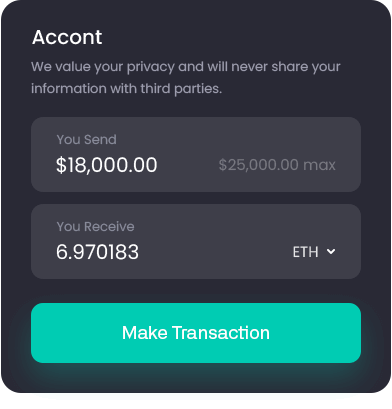
The Ultimate Crypto Escrow Solution for WooCommerce



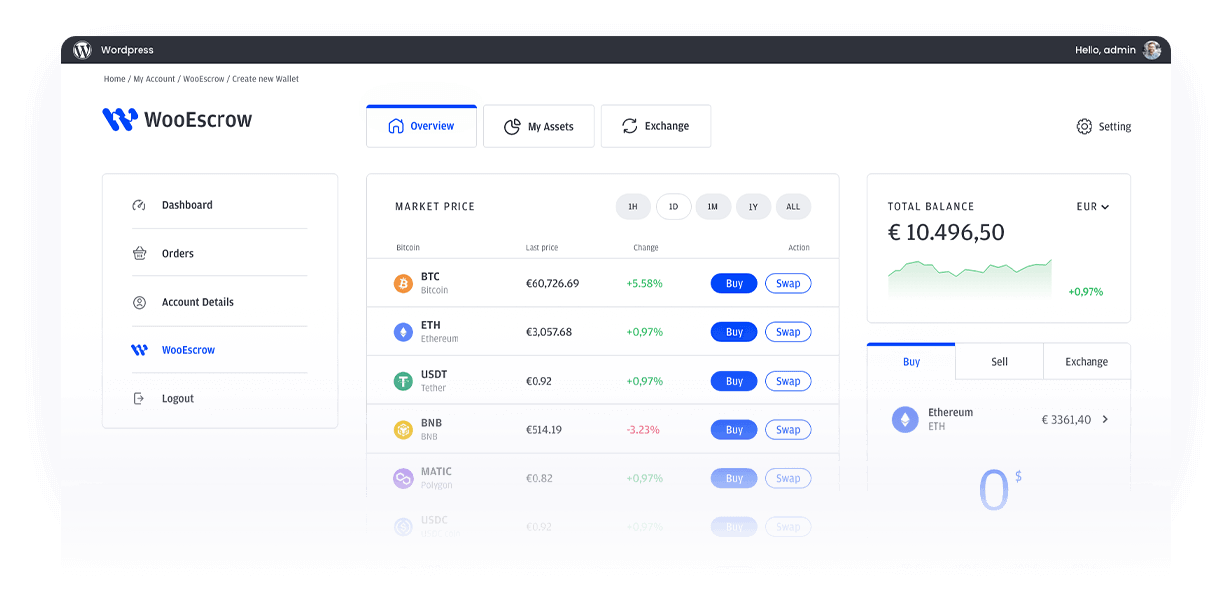
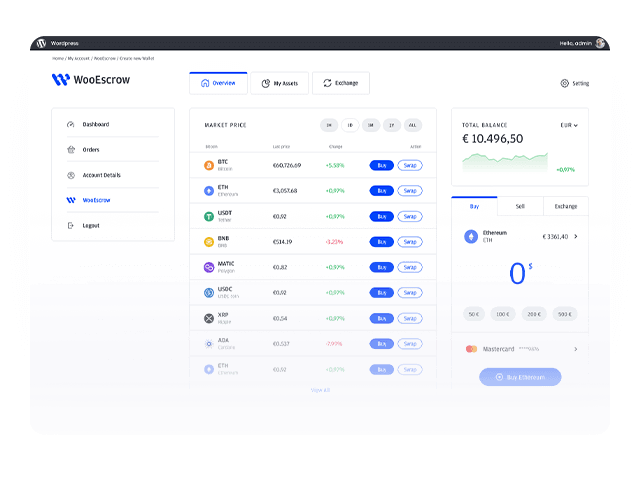




WooEscrow Key Features


Automated Crypto Escrow
Securely hold funds in escrow until the buyer confirms successful delivery, ensuring trust and transparency in every transaction.

Wallet Integration
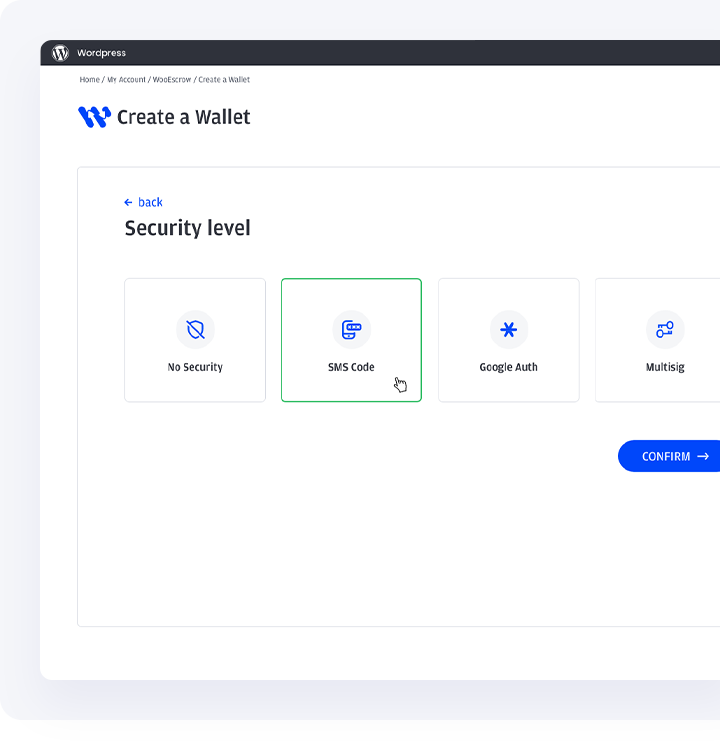
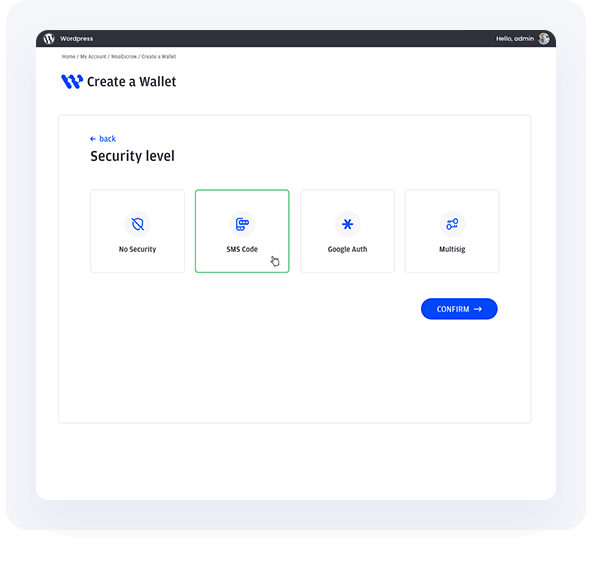
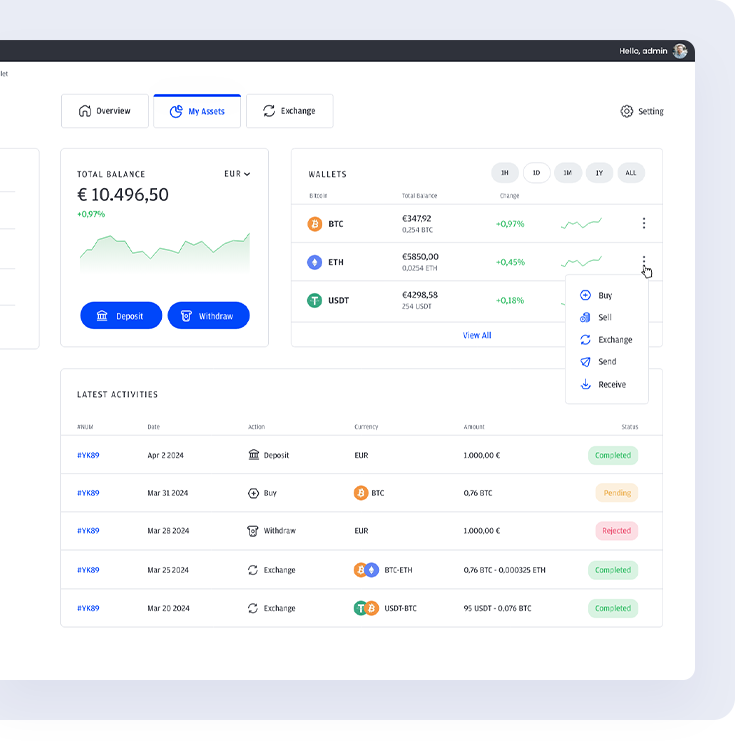
Easily create, and manage cryptocurrency wallets directly within WooCommerce, offering seamless account management for buyers and sellers.

Privacy-Focused
Transactions
Protect your customers’ privacy with secure, encrypted transactions—ideal for industries where confidentiality is crucial.

Robust Dispute
Resolution
Benefit from a comprehensive dispute management system, allowing admins to intervene and resolve issues effectively.

Reporting And Analytics
Access detailed reports and analytics on all escrow transactions, helping you monitor informed business decisions.
Automated Crypto Escrow
Securely hold funds in escrow until the buyer confirms successful delivery, ensuring trust and transparency in every transaction.



Benefits of Using
WooEscrow

Enhanced Security
Protect your business and customers with a reliable escrow system that ensures payments are only released after delivery confirmation, minimizing the risk of fraud.
Increased Trust
Build trust with your customers by offering a secure payment method that guarantees both parties’ interests are safeguarded throughout the transaction process.
Privacy Assurance
Keep your transactions private and confidential, providing peace of mind for customers in industries where privacy is a top priority.
Seamless Integration
Effortlessly integrate WooEscrow into your existing WooCommerce store without the need for complex setups or technical expertise.


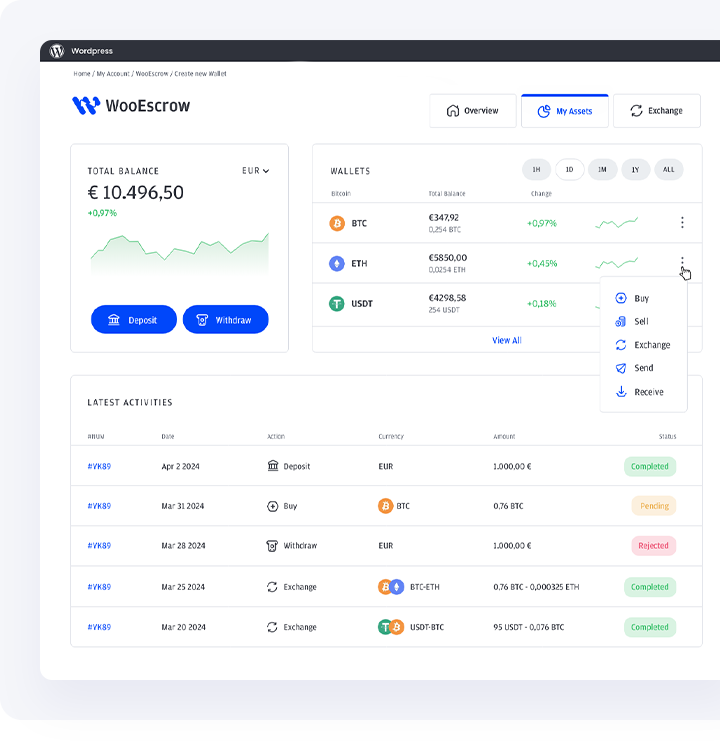


How The Plugin Works

Set Up Your Account
Install and configure the WooEscrow plugin within your WooCommerce store.



Initiate a Transaction
This is where buyers and sellers can meet and make purchases.

Delivery Confirmation
Buyer receives product or services.
Release of Funds
Seller receives escrow amount.

Secure Your
Transactions With Cryptocurrency
Enhanced Security
Cryptocurrency transactions are secured through blockchain technology, making them highly resistant to fraud and unauthorized access.
Faster Trnsactions
Cryptocurrency transactions are processed quickly, often within minutes, ensuring timely payments and releases.
Privacy and Anonymity
Cryptocurrency offers a high level of privacy, protecting the identities of both buyers and sellers. This is especially valuable for industries where discretion is important.




Find The Right Plan
For Your Business
WooEscrow offers flexible subscription plans to meet your needs, whether you’re just starting or running a full-scale business.
Unlimited Transactions
24/7 Customer Support
Advanced Dispute Resolution
Multi-Wallet support
API access
priority Support
$2000 /annually
Frequently Asked Questions


What is WooEscrow and how does it work?
To set up WooEscrow, install the plugin from your WooCommerce dashboard and follow the setup instructions. You’ll need to create or import cryptocurrency wallets and configure your escrow settings. The user-friendly interface guides you through the process to ensure a smooth installation.
What is WooEscrow and how does it work?
To set up WooEscrow, install the plugin from your WooCommerce dashboard and follow the setup instructions. You’ll need to create or import cryptocurrency wallets and configure your escrow settings. The user-friendly interface guides you through the process to ensure a smooth installation.
Is WooEscrow compatible with all types of cryptocurrencies?
To set up WooEscrow, install the plugin from your WooCommerce dashboard and follow the setup instructions. You’ll need to create or import cryptocurrency wallets and configure your escrow settings. The user-friendly interface guides you through the process to ensure a smooth installation.
What happens if there is a dispute between the buyer and seller?
To set up WooEscrow, install the plugin from your WooCommerce dashboard and follow the setup instructions. You’ll need to create or import cryptocurrency wallets and configure your escrow settings. The user-friendly interface guides you through the process to ensure a smooth installation.